


Specifications
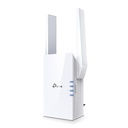
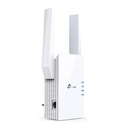
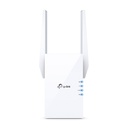
TP-Link AX1800 Wi-Fi Range Extender, Network repeater, 1201 Mbit/s, 10,100,1000 Mbit/s, Windows 10, Windows 2000, Windows 7, Windows 8, Windows 8.1, Windows 98SE, Windows NT, Windows..., Internet Explorer 11, Firefox 12.0, Chrome 20.0, Safari 4.0, External
TP-Link AX1800 Wi-Fi Range Extender. Type: Network repeater, Data transfer rate: 1201 Mbit/s, Ethernet LAN data rates: 10,100,1000 Mbit/s. Antenna type: External, Transmitting power (CE): 2.4 GHz ≤15dBm, 5 GHz ≤21dBm. Cabling technology: 10/100/1000Base-T(X), Networking standards: IEEE 802.11a, IEEE 802.11ac, IEEE 802.11ax, IEEE 802.11b, IEEE 802.11g, IEEE 802.11n, Wi-Fi standards: 802.11a, 802.11b, 802.11g, Wi-Fi 4 (802.11n), Wi-Fi 5 (802.11ac), Wi-Fi 6 (802.11ax). Product colour: White, Quantity per pack: 1 pc(s), Country of origin: China. AC input voltage: 100 - 240 V, AC input frequency: 50/60 Hz, Power consumption (typical): 10 W
| Performance | |
|---|---|
| Type | Network repeater |
| Data transfer rate | 1201 |
| Ethernet LAN data rates | 10,100,1000 |
| WPS push button | Yes |
| Windows operating systems supported | Windows 10, Windows 2000, Windows 7, Windows 8, Windows 8.1, Windows 98SE, Windows NT, Windows Vista, Windows XP |
| Mac operating systems supported | Yes |
| Linux operating systems supported | Yes |
| Browser supported | Internet Explorer 11, Firefox 12.0, Chrome 20.0, Safari 4.0 |
| Antenna | |
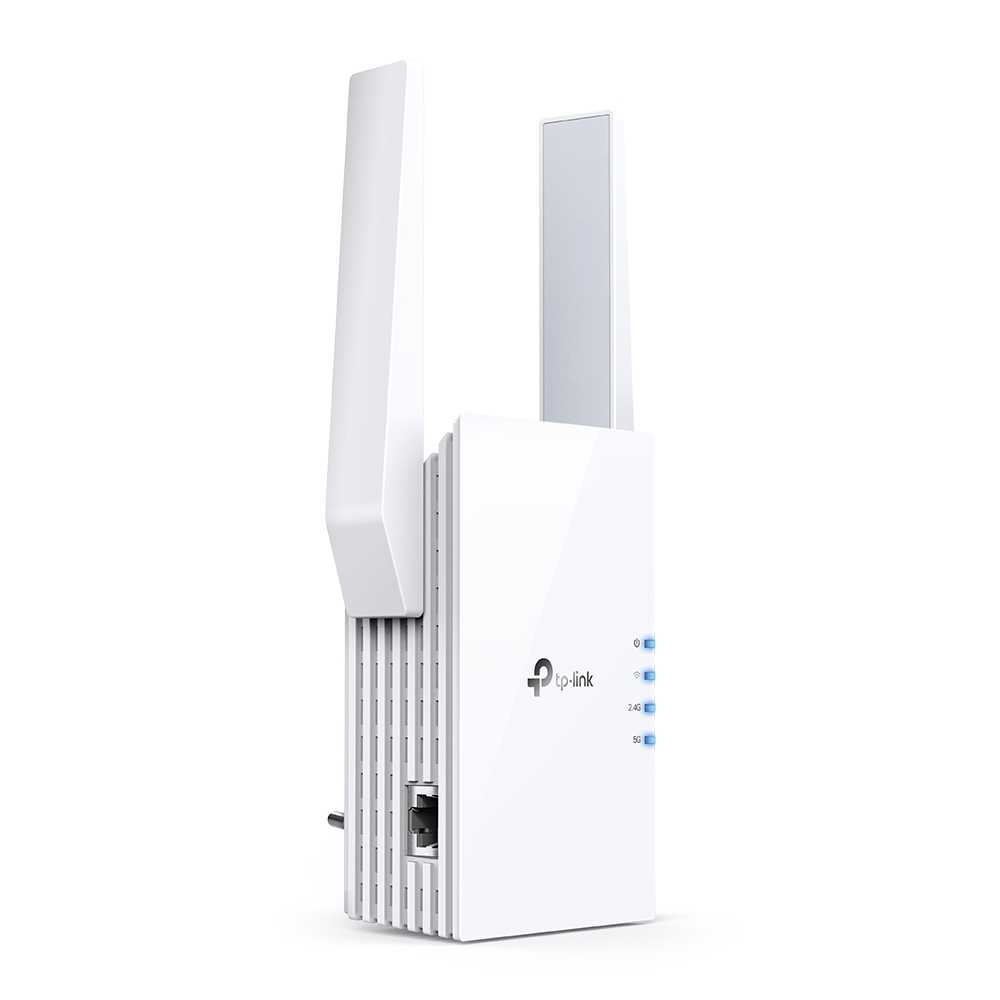
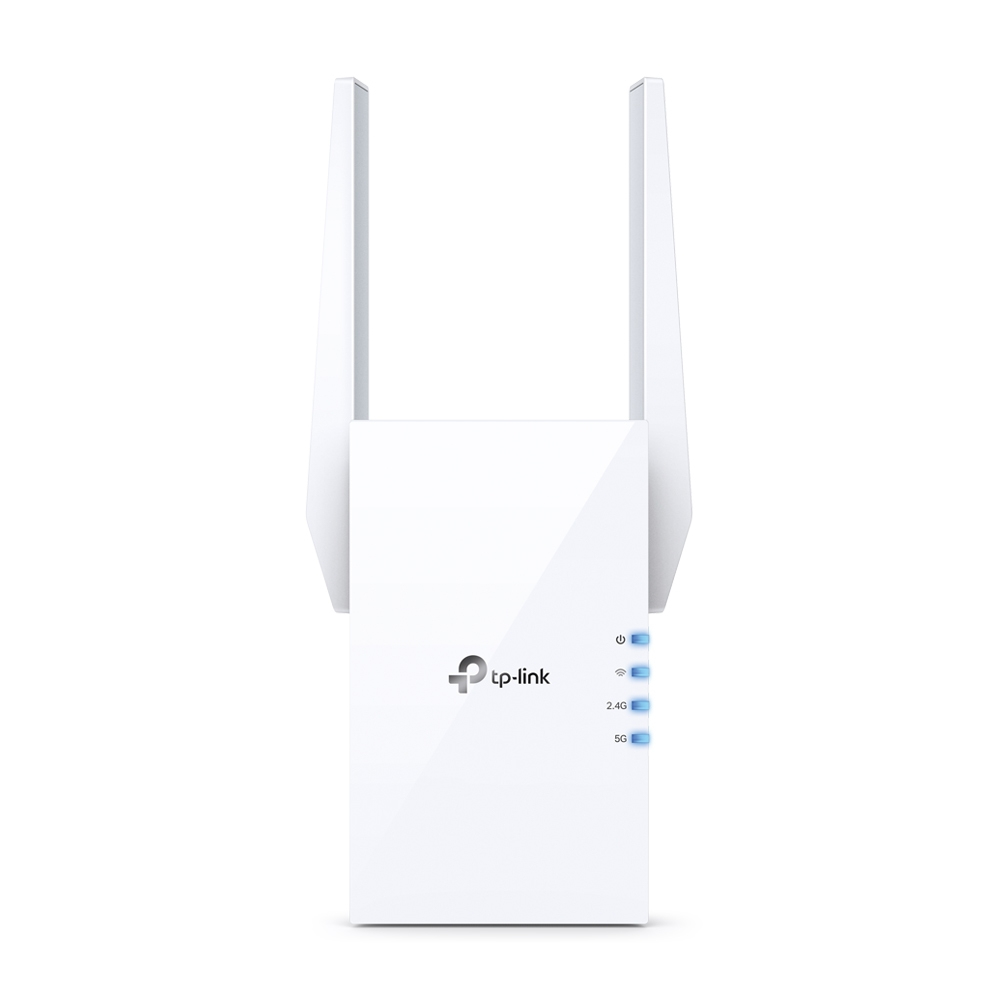
| Antennas quantity | 2 |
| Antenna type | External |
| Transmitting power (CE) | 2.4 GHz ≤15dBm, 5 GHz ≤21dBm |
| Network | |
| Cabling technology | 10/100/1000Base-T(X) |
| Networking standards | IEEE 802.11a, IEEE 802.11ac, IEEE 802.11ax, IEEE 802.11b, IEEE 802.11g, IEEE 802.11n |
| Wi-Fi | Yes |
| Wi-Fi standards | 802.11a, 802.11b, 802.11g, Wi-Fi 4 (802.11n), Wi-Fi 5 (802.11ac), Wi-Fi 6 (802.11ax) |
| Wi-Fi data rate (max) | 1200 |
| Wi-Fi band | Dual-band (2.4 GHz / 5 GHz) |
| Security algorithms | 64-bit WEP, 128-bit WEP, WPA-PSK, WPA2-PSK |
| Ports & interfaces | |
| Ethernet LAN (RJ-45) ports | 1 |
| Design | |
| Product colour | White |
| LED indicators | Yes |
| Quantity per pack | 1 |
| Country of origin | China |
| Reset button | Yes |
| Power | |
| AC input voltage | 100 - 240 |
| AC input frequency | 50/60 |
| Power consumption (typical) | 10 |
| Operational conditions | |
| Operating temperature (T-T) | 0 - 40 |
| Storage temperature (T-T) | -40 - 70 |
| Operating relative humidity (H-H) | 10 - 90 |
| Storage relative humidity (H-H) | 5 - 90 |
| Weight & dimensions | |
| Width | 74 |
| Depth | 46 |
| Height | 124.8 |
| Packaging content | |
| Quick start guide | Yes |
| Packaging data | |
| Package type | Box |
| Package width | 202 |
| Package depth | 125 |
| Package height | 97 |
| Package weight | 420 |
| Certificates | |
| Compliance certificates | CE, RoHS |
| Logistics data | |
| Harmonized System (HS) code | 85176990 |
| Other features | |
| Commodity Classification Automated Tracking System (CCATS) | 85183095 |
From the manufacturer
AX1800 WiFi 6 Range Extender
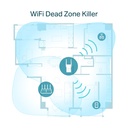
Get More Range with Your Existing Router
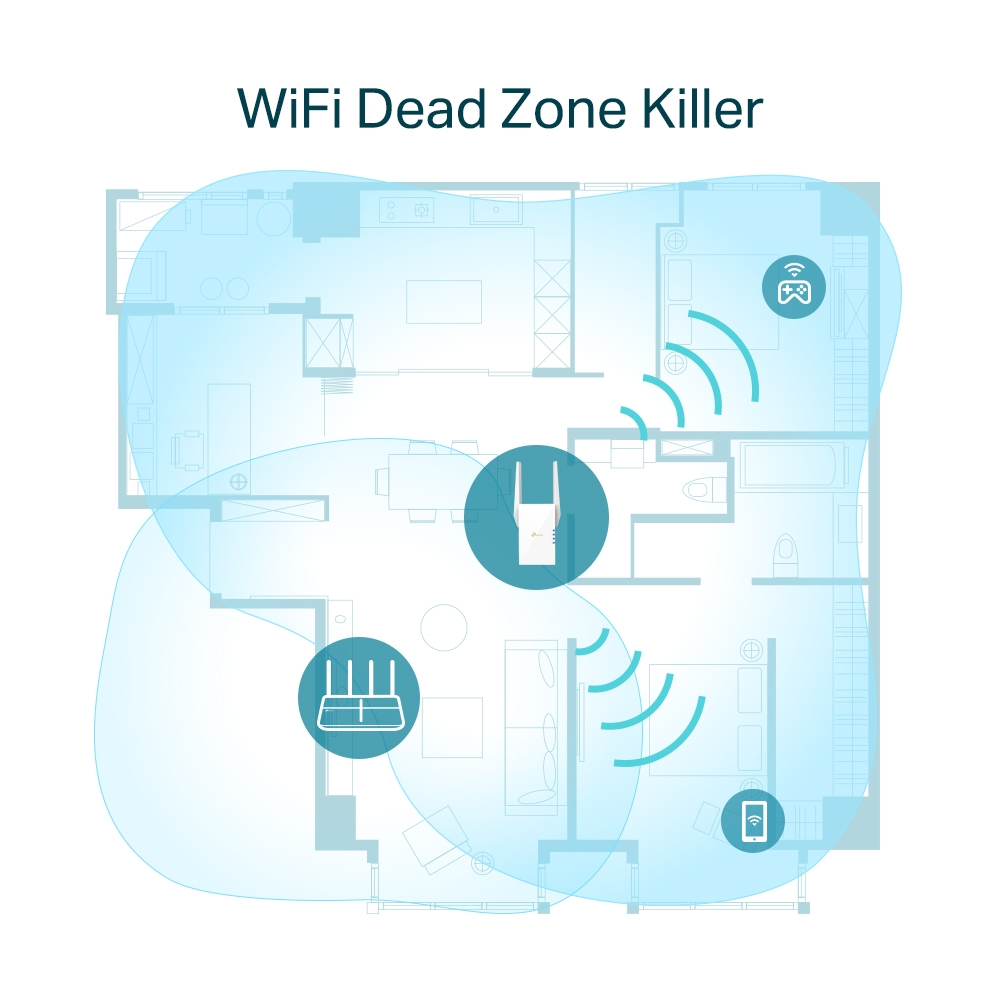
A single router has limited WiFi coverage and always causes WiFi dead zones. RE605X wirelessly connects to your existing router and boosts more WiFi signals throughout your home, allowing you to enjoy smooth WiFi 6 network experiences everywhere with great speed, capacity, and coverage.
WiFi 6: More Connections with Better Performance
The latest Wi-Fi 6 technology is built for today’s devices, eliminating lag, endless loading, and dead spots. It fully satisfies your network needs especially for bandwidth-intensive tasks like cloud gaming or 4K UHD video.
TP-Link OneMesh:
Optimize for Smoothest WiFi Experience
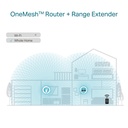
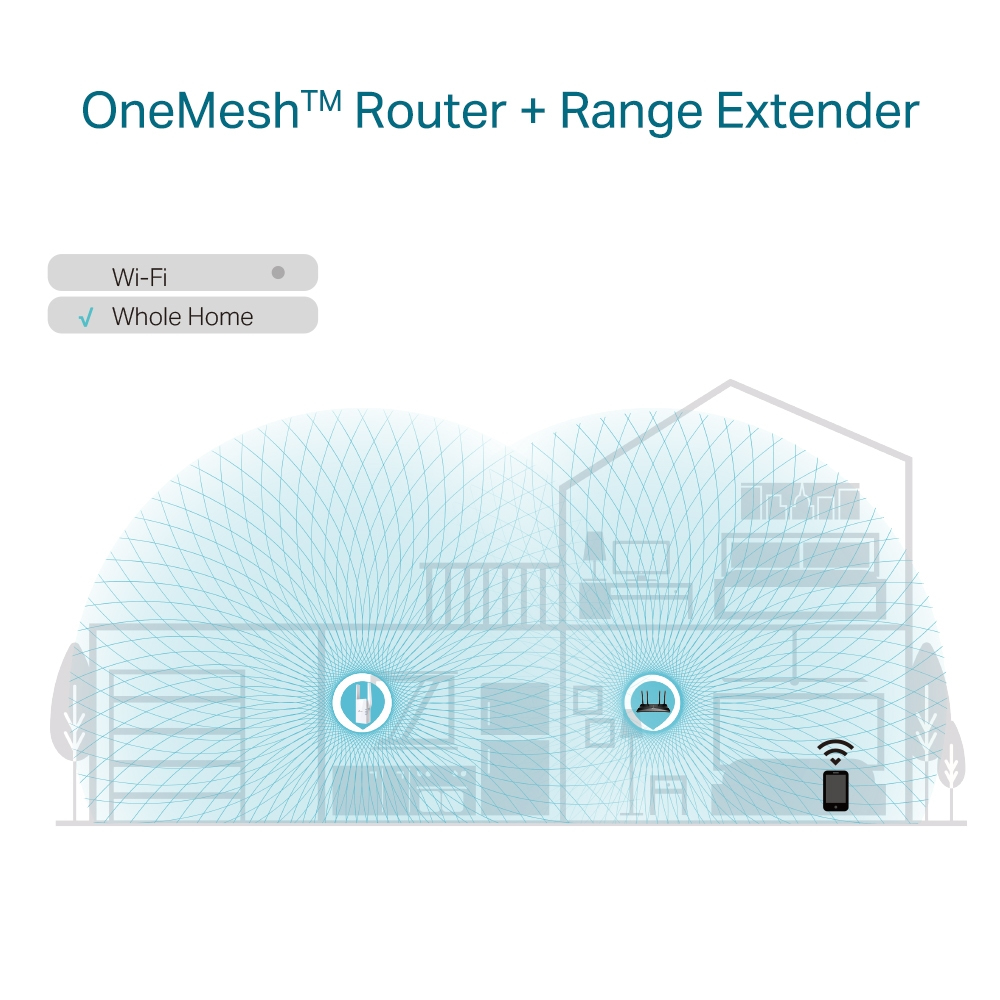
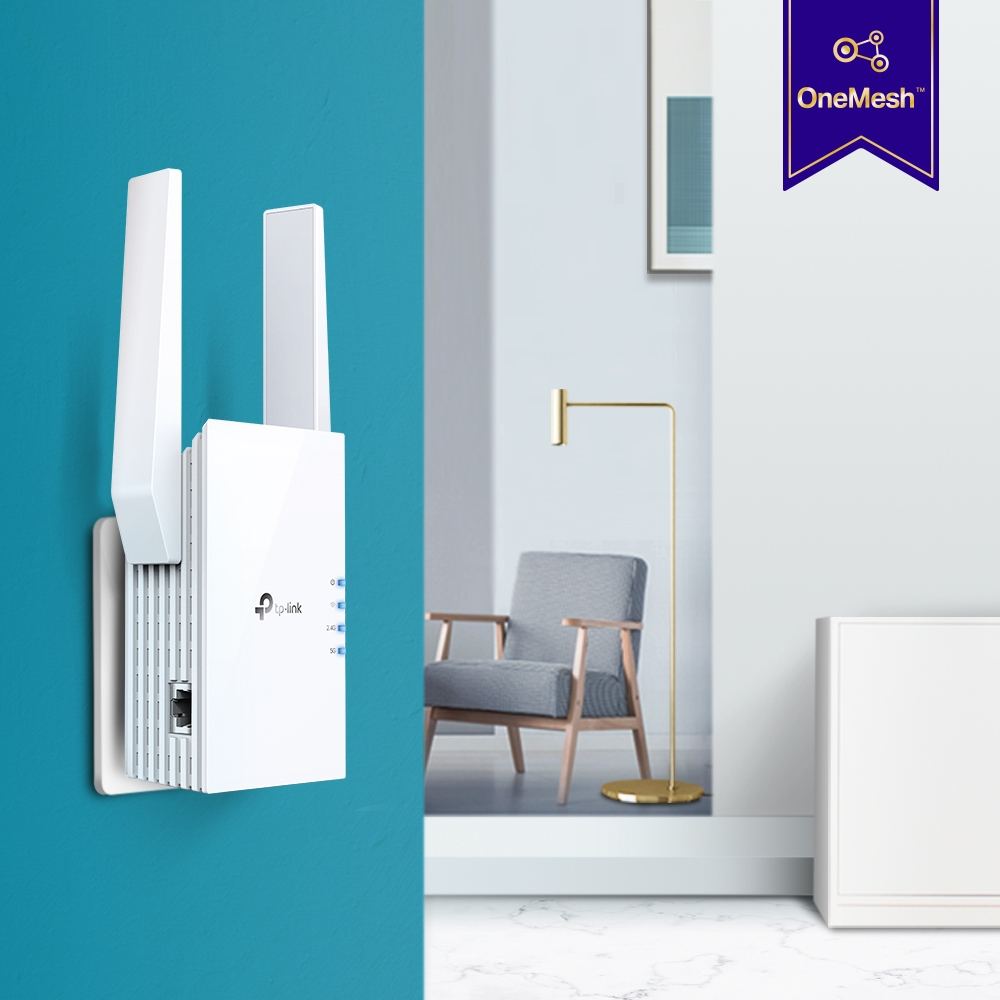
OneMesh™ is a simple way to form a Mesh network with a single WiFi name for seamless whole home coverage. Just connect a OneMesh™ range extender to a OneMesh™ router. No more searching around for a stable connection.
Enjoy an AX Mesh Network with Your Existing Router
Want a Mesh network? Hesitating whether you should replace your current router with a new Mesh set?
Built-In Access Point Mode
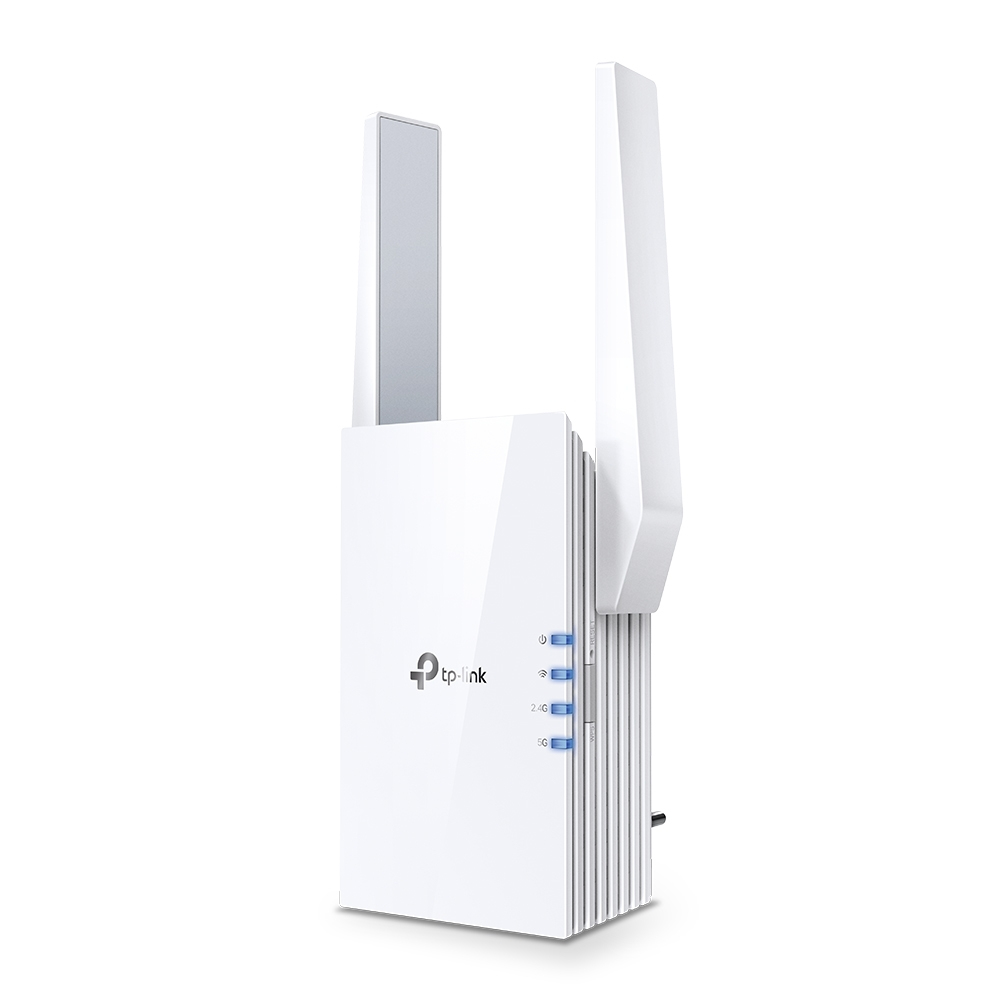
RE605X is more than a wireless range extender. Simply plug an Ethernet cable into its Ethernet port, and easily turn your wired internet connection into a 2×2 MU-MIMO dual band wireless access point.
Control at Your Fingertips
Set up and manage your Wi-Fi through the TP-Link Tether app from your smartphone (Android, iOS), including TP-Link routers and range extenders.
Downloads: Product leaflet (PDF) · User manual (PDF)
Manufacturer content and specifications supplied via Open Icecat.
Related products — customers also bought
These other products might interest you